Find sensitive details
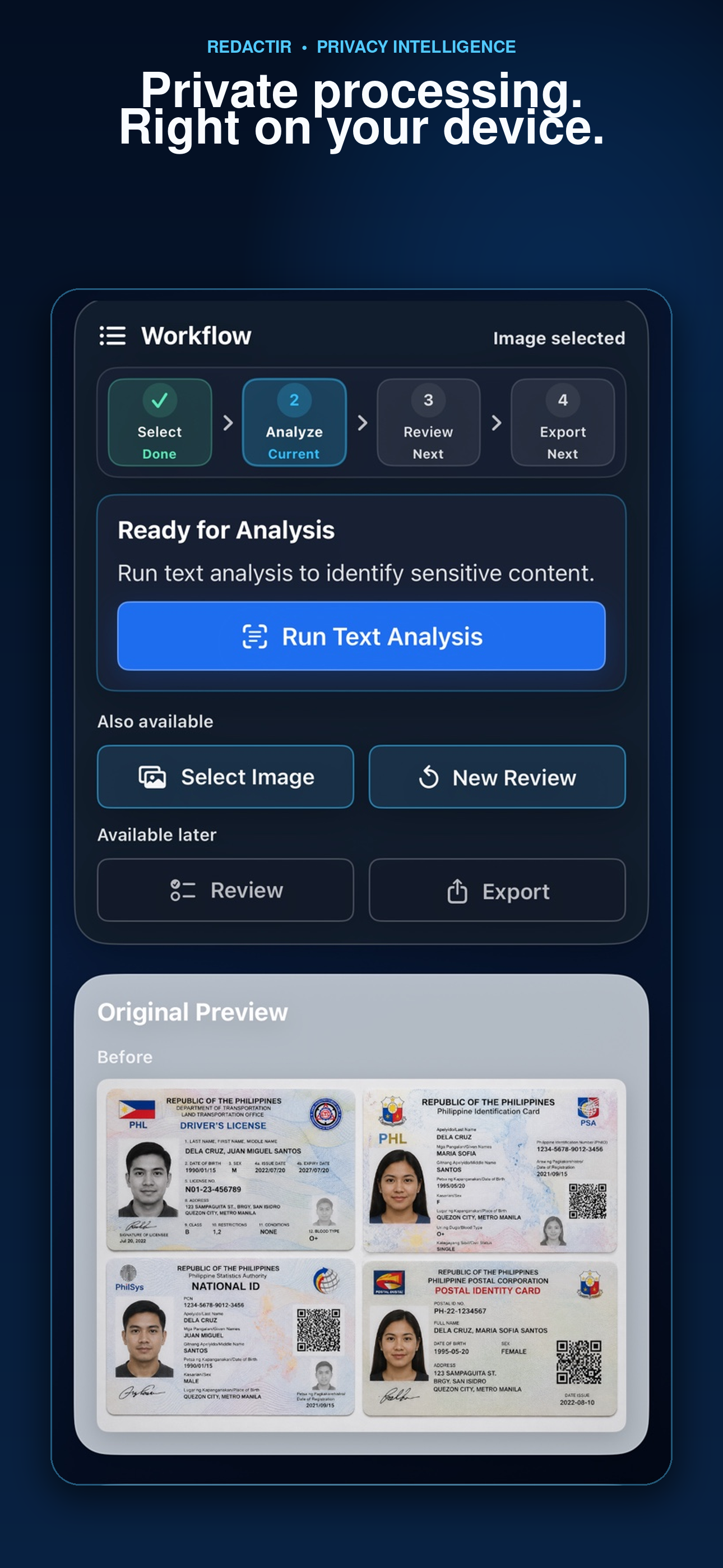
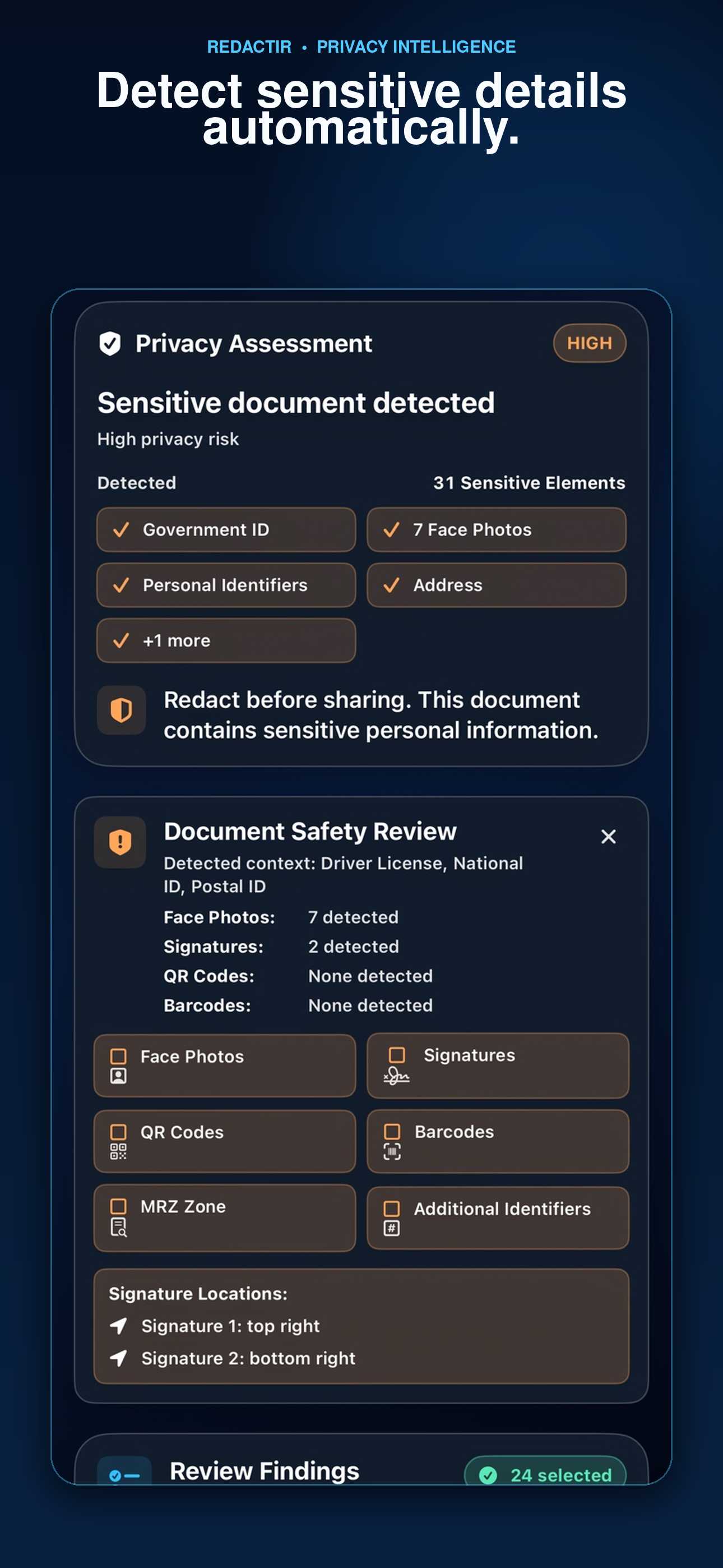
Analyze selected screenshots and document images for potential sensitive information and document-safety risks.
Protect privacy before sharing.
Review sensitive screenshots and documents, identify potential privacy risks, apply deliberate redactions, and export flattened secure copies—without sending the source material to UnliPop Studio servers.
RedactIR keeps each privacy decision visible and under your control from selection to export.
Analyze selected screenshots and document images for potential sensitive information and document-safety risks.
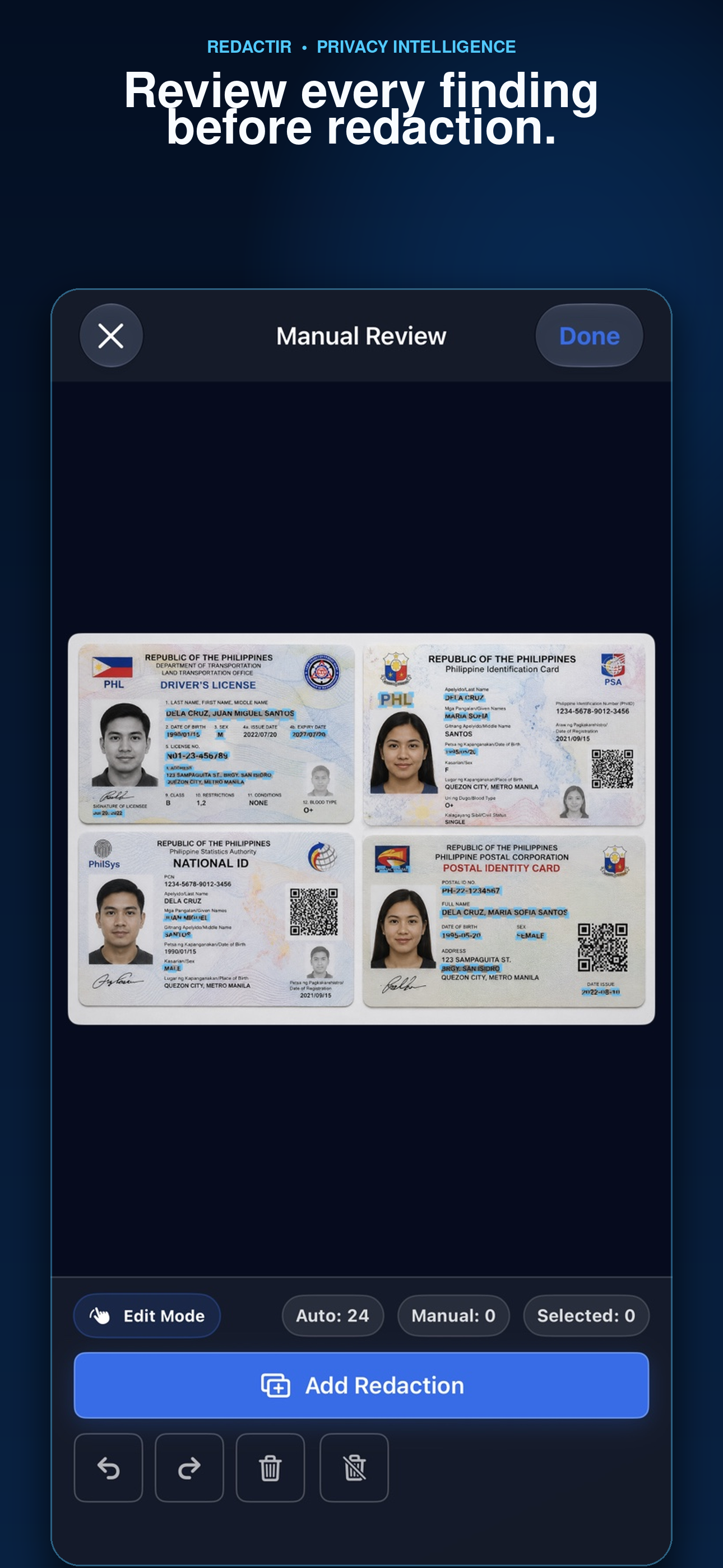
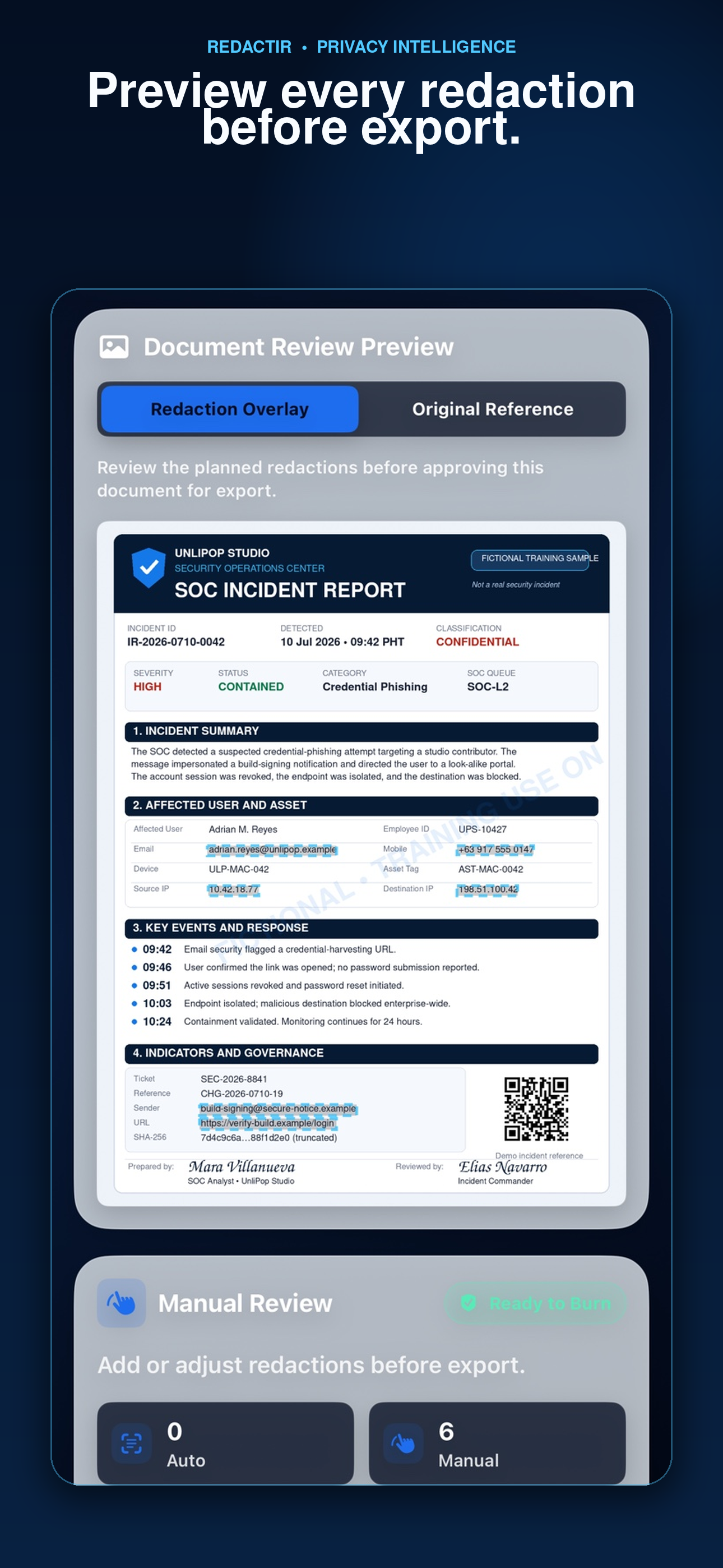
Include or exclude findings, then add, reposition, resize, or remove redactions using the controls available for the selected material.
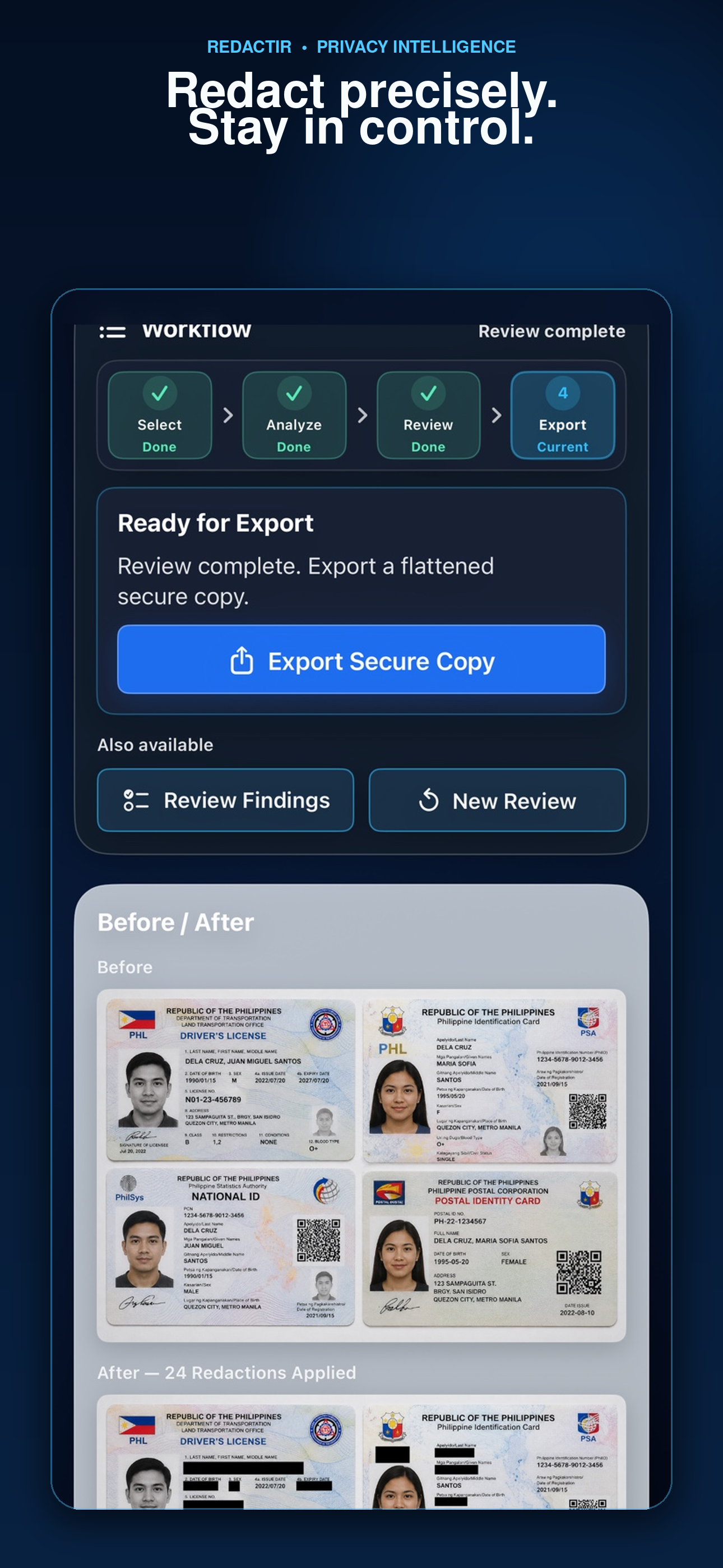
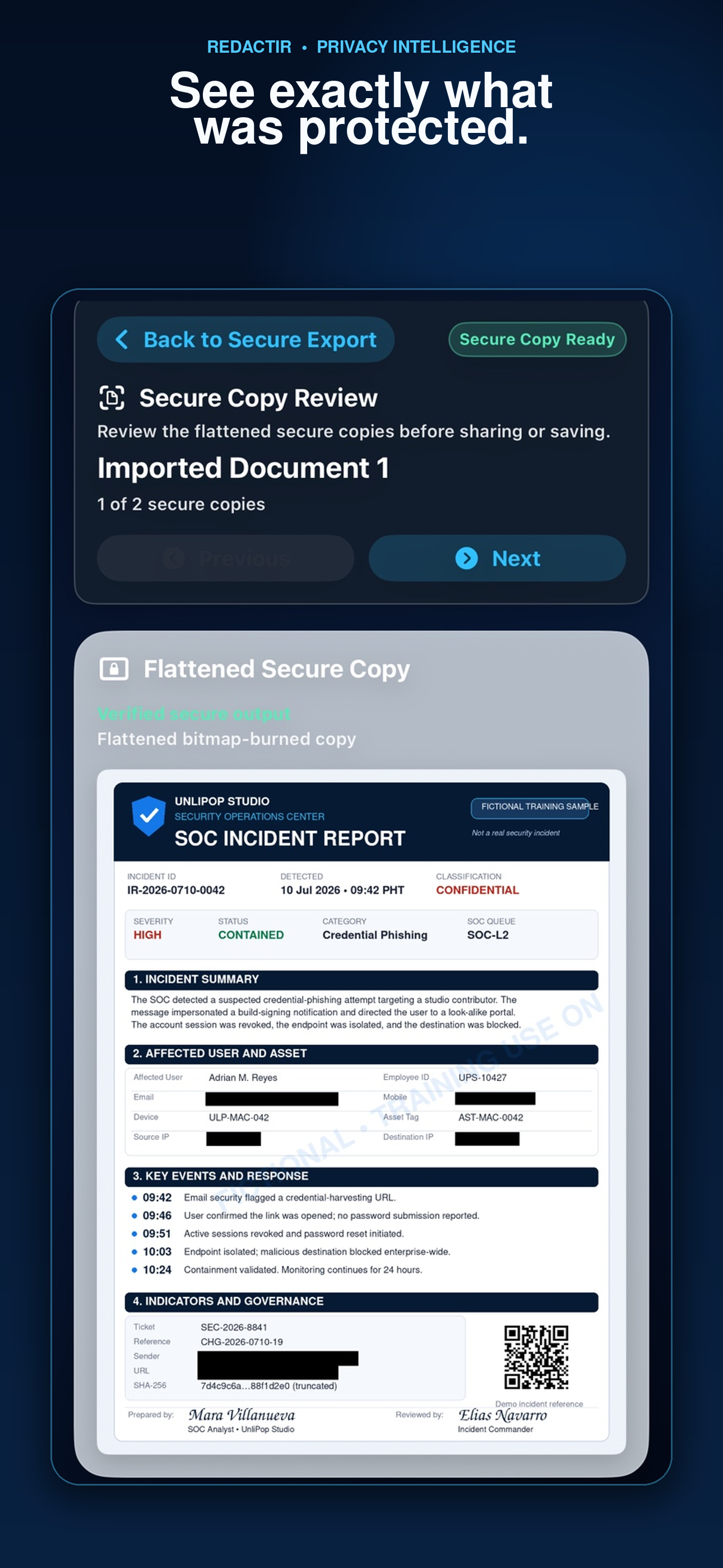
Inspect the final flattened, bitmap-burned output before choosing whether to save or share it.
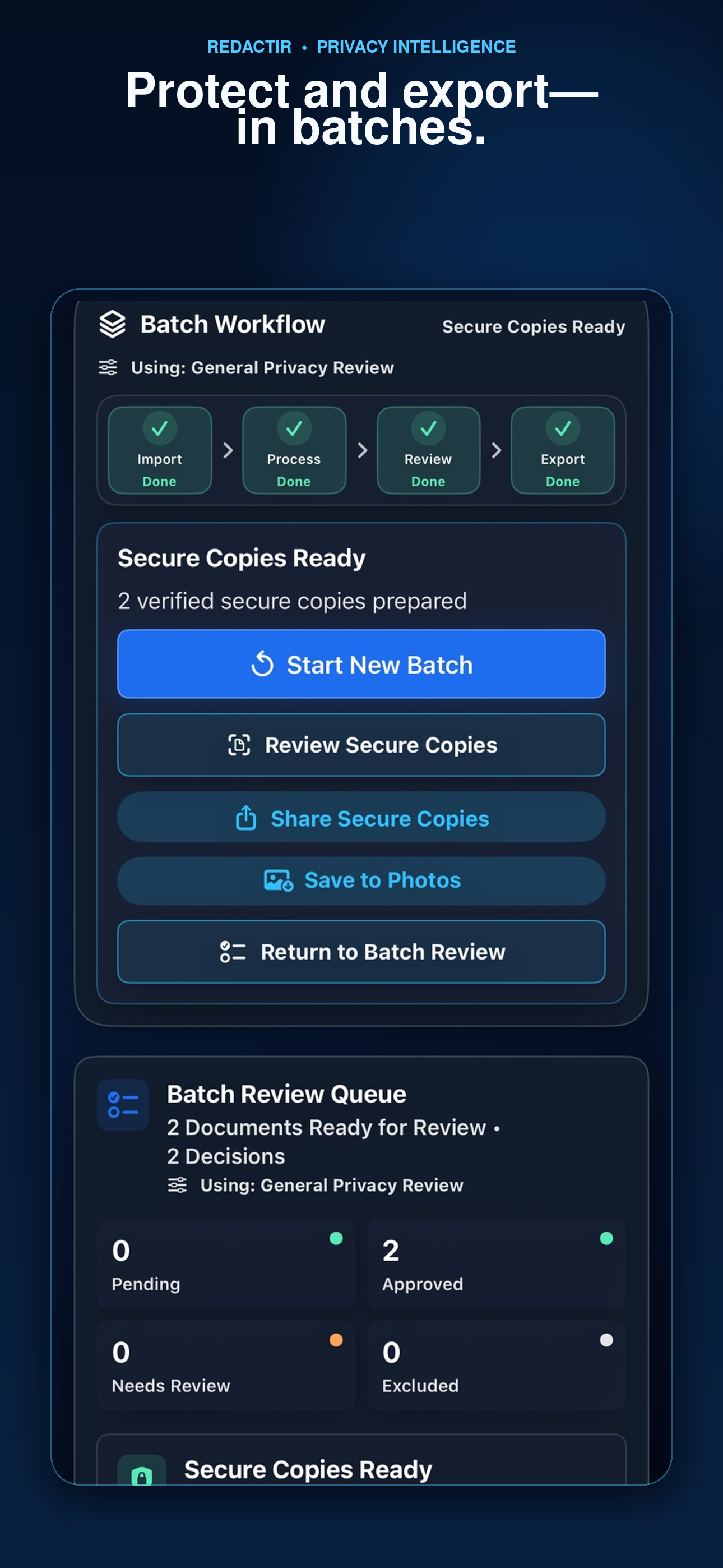
Prepare multiple items through the batch workflow with an optional one-time lifetime RedactIR Pro unlock—never a subscription.
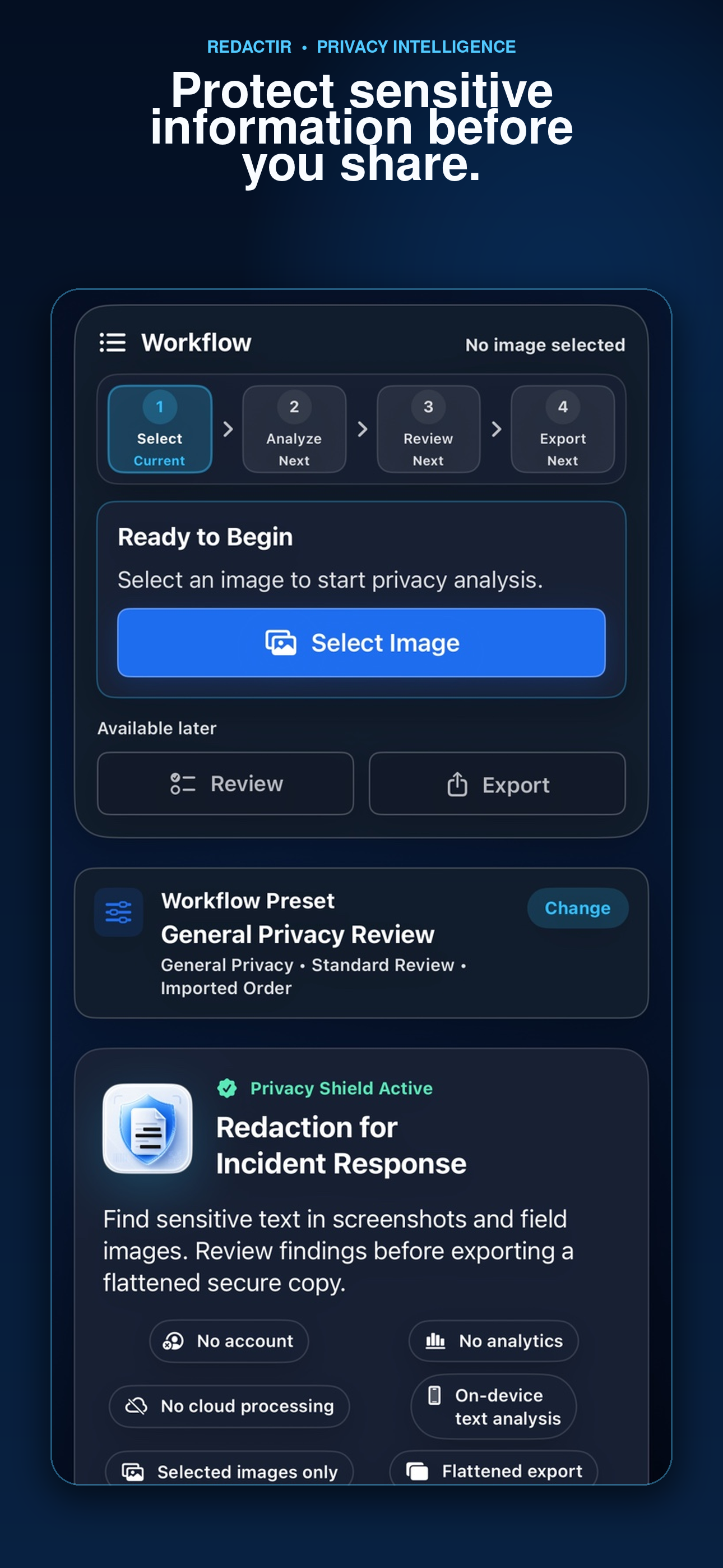
Follow the local-first workflow from choosing material through reviewing and exporting a secure copy.
Automated findings are not a guarantee. You remain responsible for completing the final review and redaction decisions.
No cloud processing or external AI service is required for the core workflow.
No RedactIR account, advertising, cross-app tracking, or third-party analytics is required.
RedactIR processes the screenshots and document images you choose.
You choose whether and where to save or share flattened secure copies.
RedactIR is available as a free download with an optional RedactIR Pro one-time lifetime unlock.